Network Extender Self-service offer
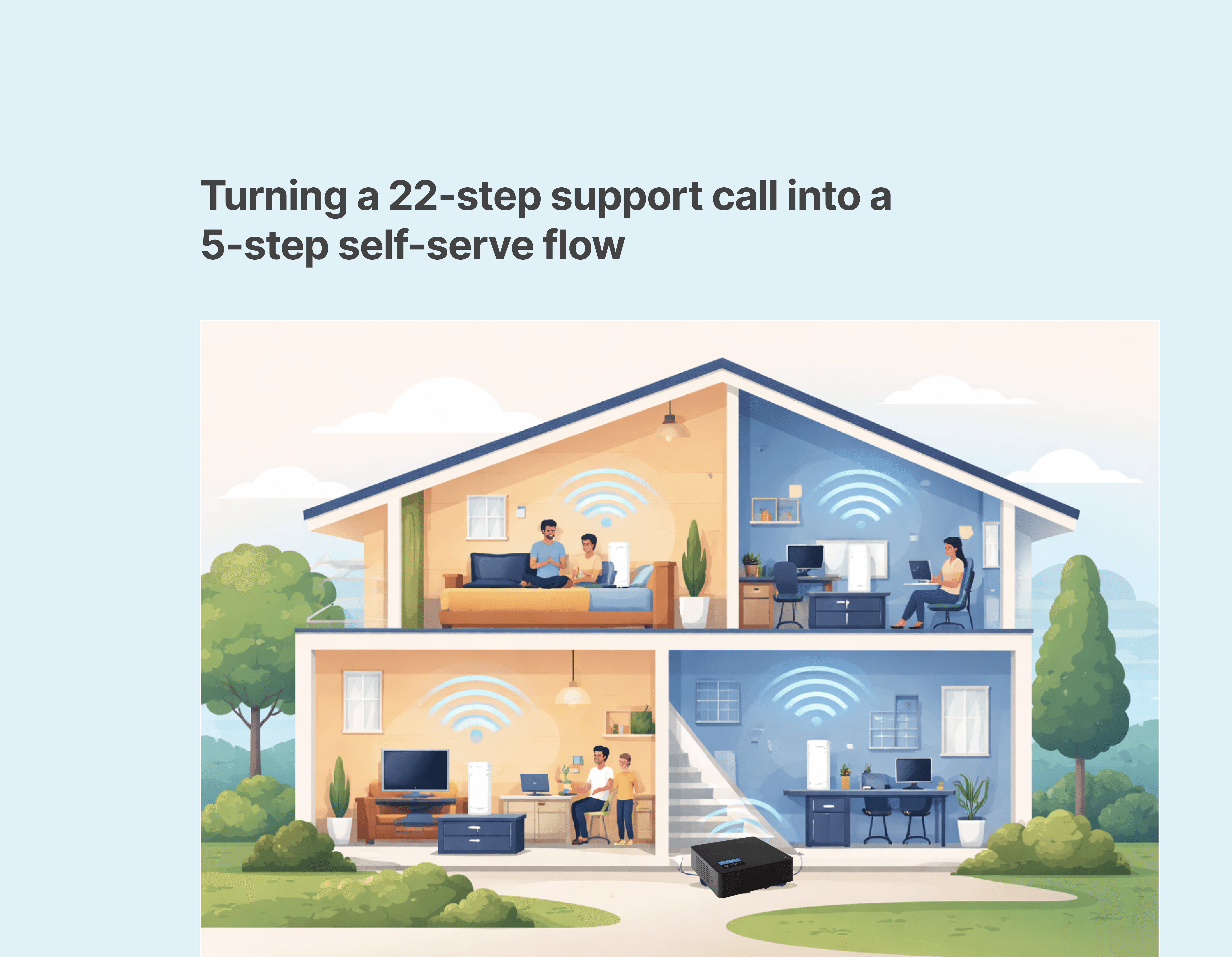
Turning a 22-step agent process into a 5-step self-serve flow — proactively offering a free Network Extender to eligible customers
~1.2 M
Monthly Visits
850 K
Monthly Checks.
$1.7M
Annual Cost Saved
THE PROBLEM
Fios customers were excluded from the check network status experience.
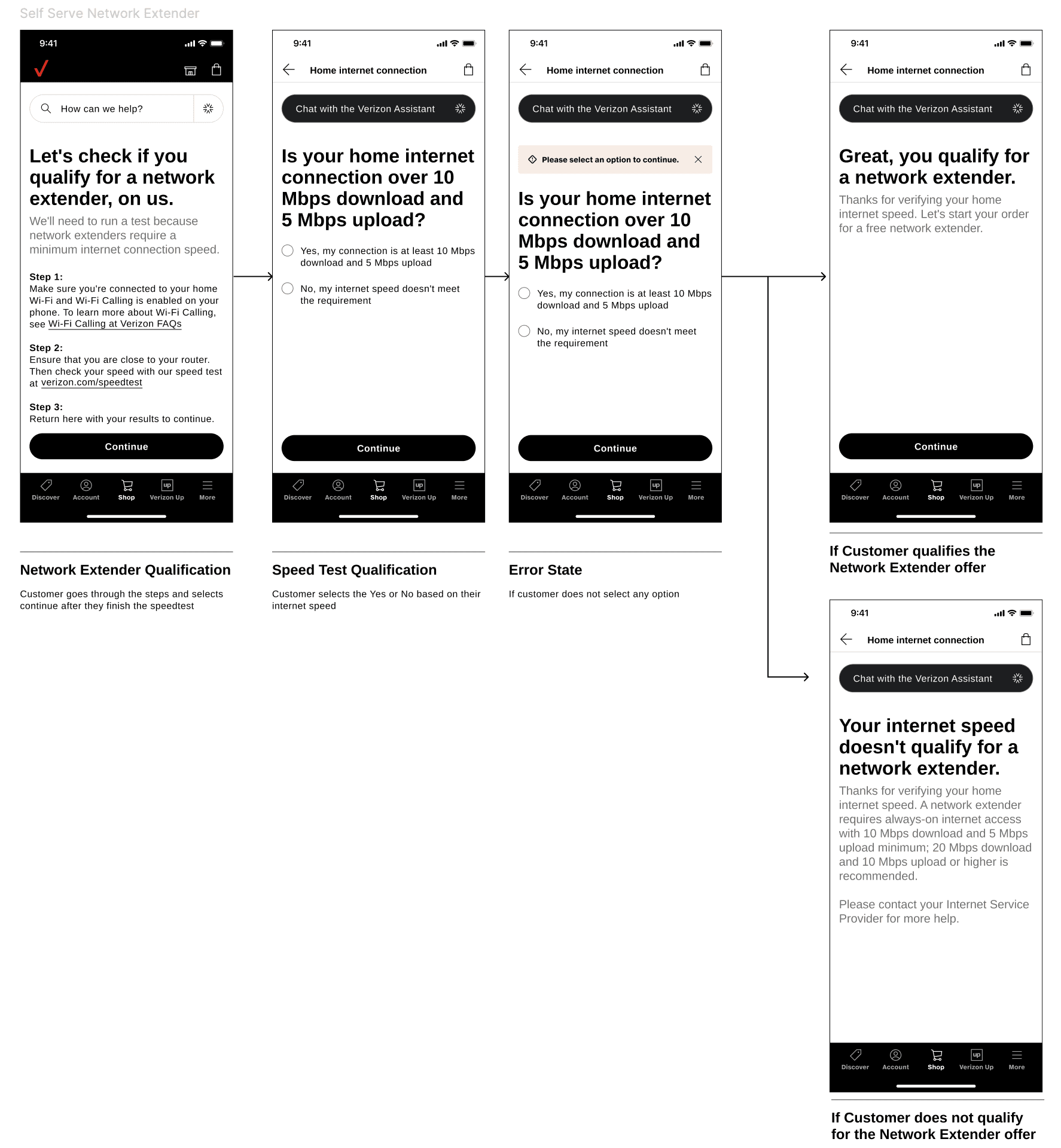
In the current omnichannel experience, when customers experience a slow network connection, they would call a customer care agent, who would guide them through the troubleshooting flow. Sometimes, after going through a 22-step process, the customer would be eligible for a free network extender. This process depended on the agent; we wanted to create a flow in which customers could complete the self-serve process without any intervention.
The main constraints were real-time eligibility logic, implementing the self-serve process across Mobile, Desktop, and Assisted channels as well as working through the existing logistics integration.
RESEARCH & ITERATION
Three versions, tested with users.
Existing
Asked users upfront
Users had to select service type before continuing. Most couldn't answer correctly. They abandoned
V1 • Tabs
Mobile / Home tab structure
Followed standard Verizon support page pattern. Users overlooked the Home Internet flow due to default Mobile selection.
V2 • Dynamic
Show only what's relevant
FINAL DESIGN
Check Network Status - Fios Home flow
COLLABORATION
What partners said.
"We couldn't have completed this significant launch of CNS Mobile / Home / Fios without her. She's incredibly thorough — often thinking of use cases and potential impacts before anyone else. She pushed us all to spend time on user testing and let the results inform her UX decisions."
Michael Mazzeo
Senior Manager, Experience Team — Verizon
"Renuka did an amazing job on Check Network Status. It was a heavy lift for UX design. She provided great support throughout. Glad to have her on our team.
Ajith Puppala
Dev Lead, PCT-55 & CNS Maps — Verizon